How it works

From a device on your bench to a browser anywhere.

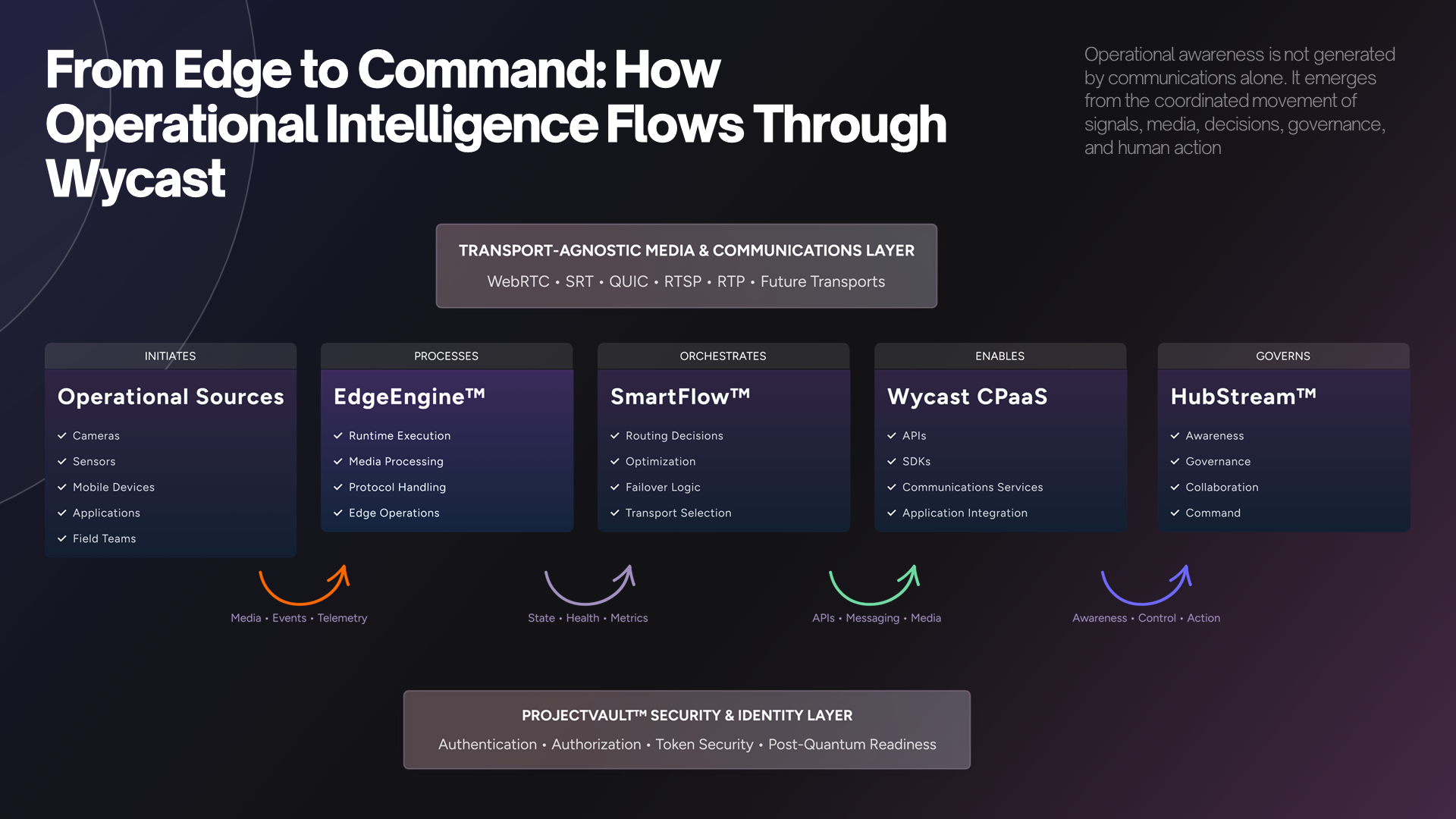
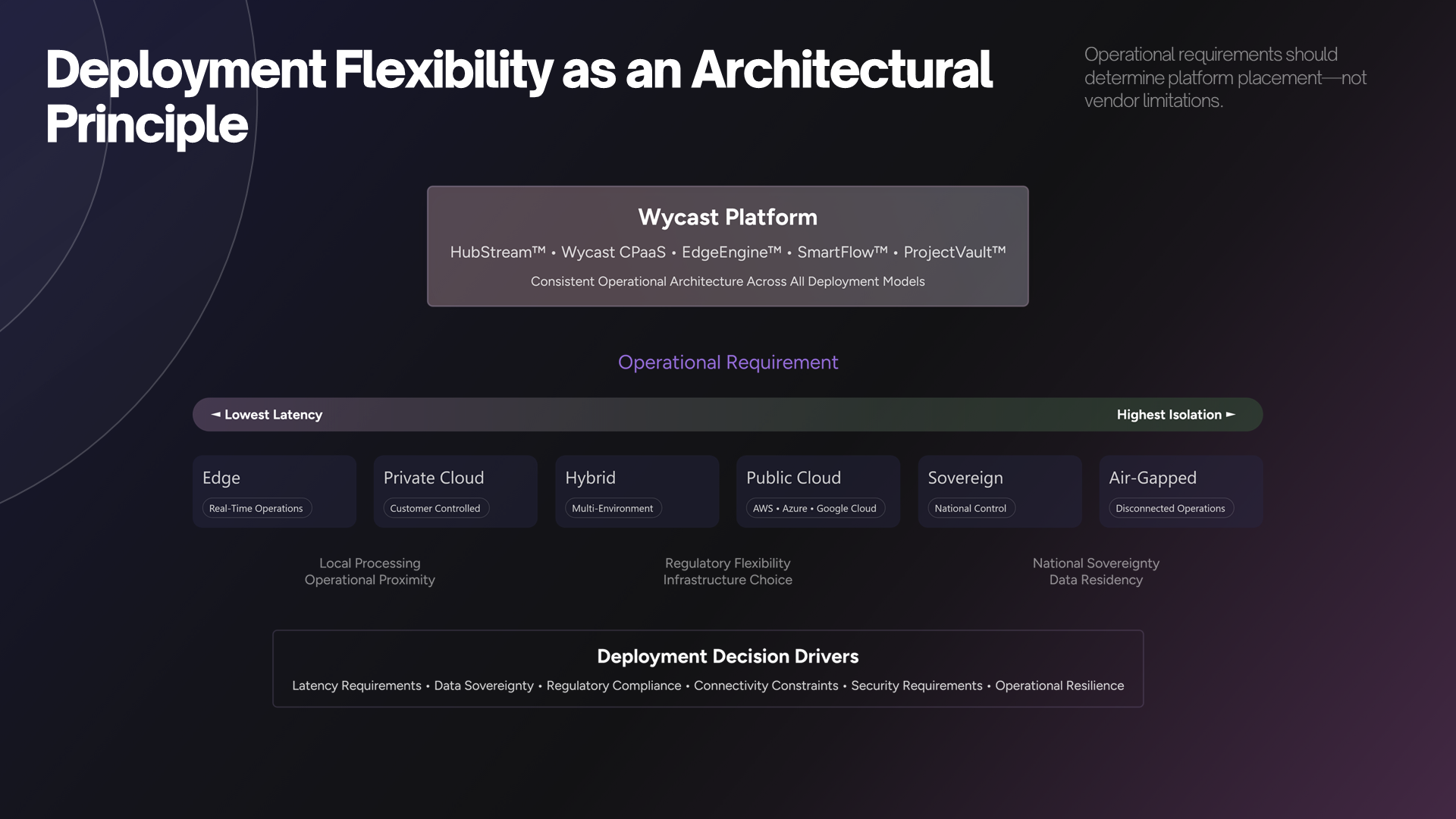
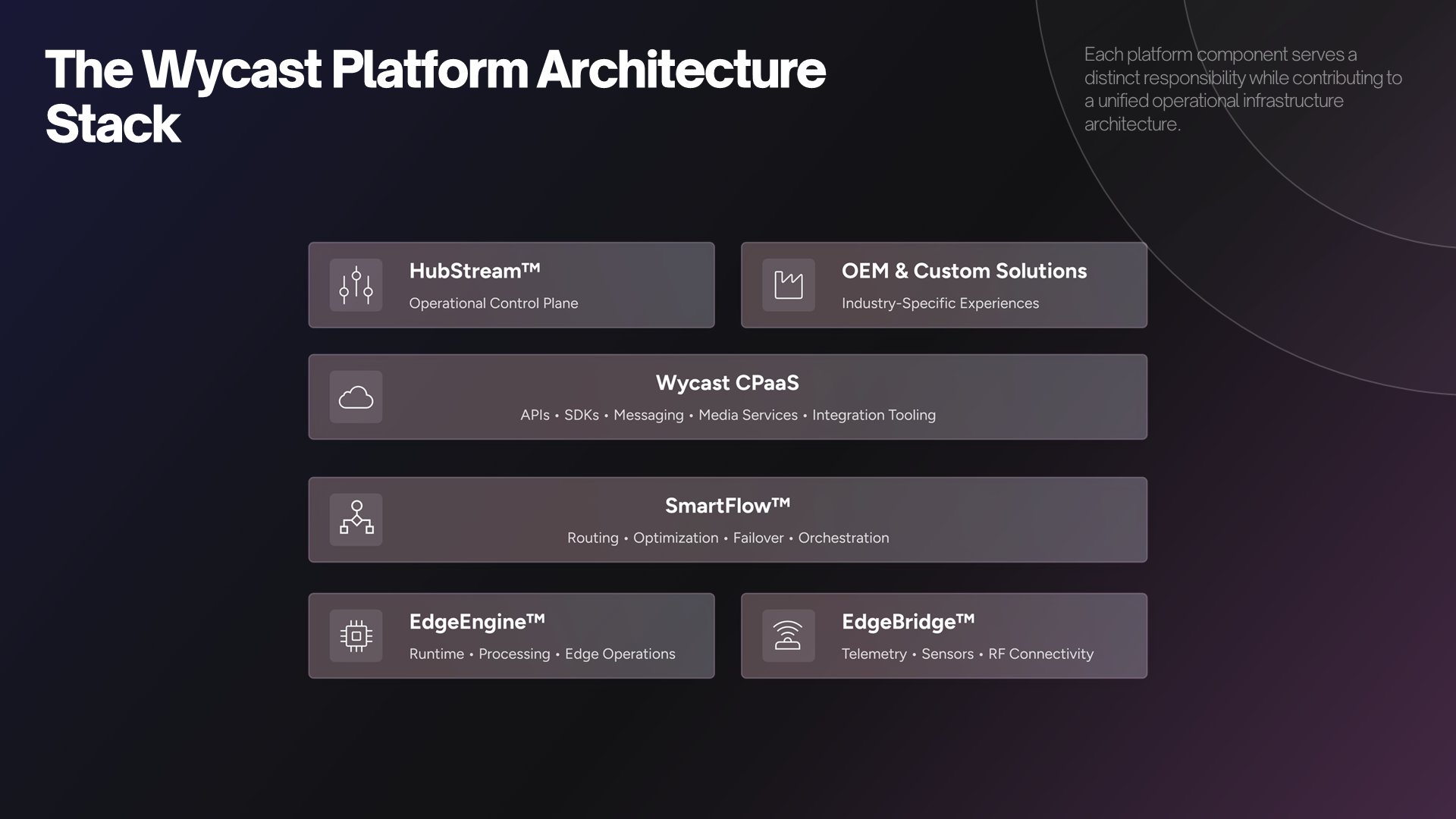
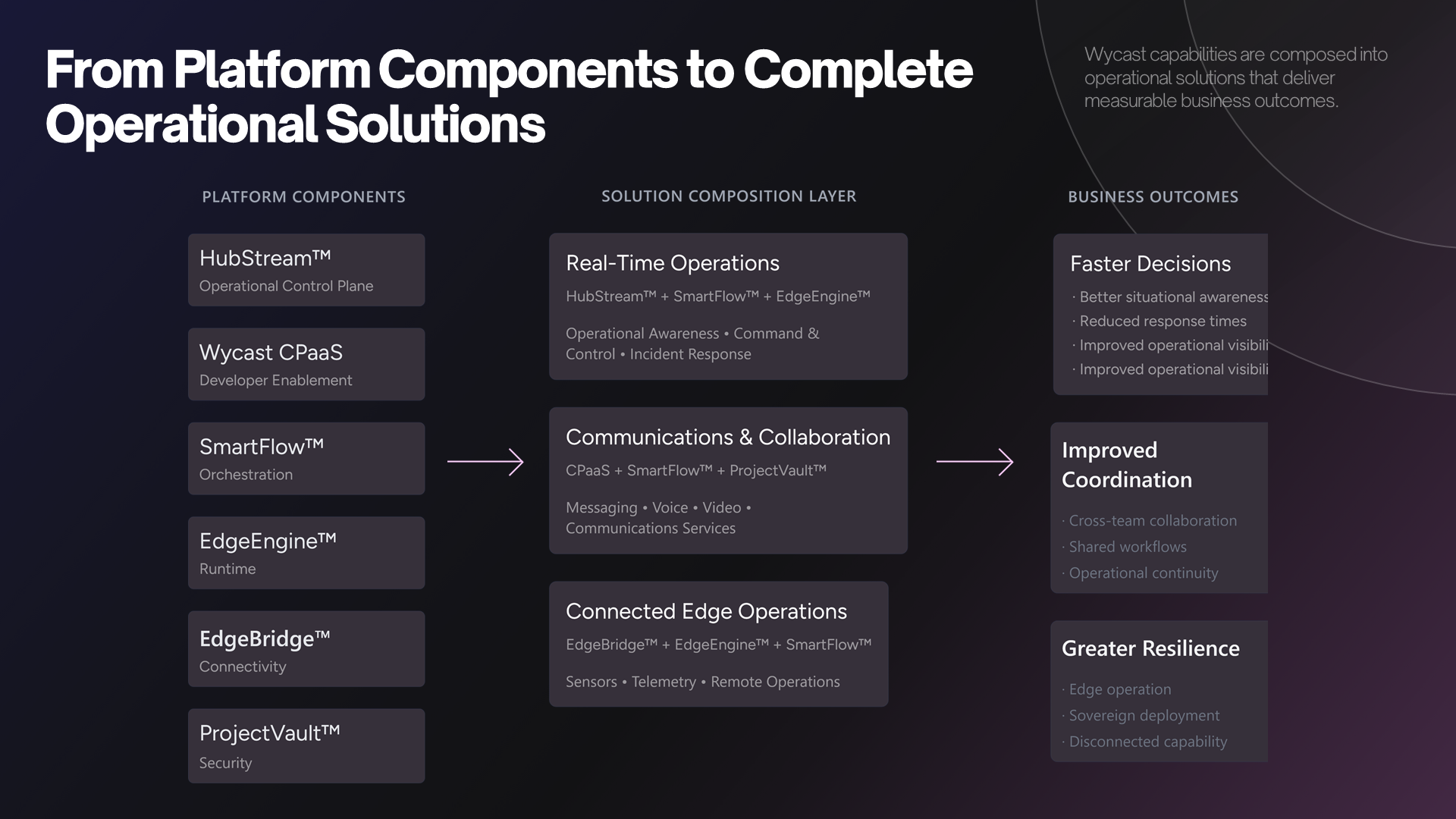
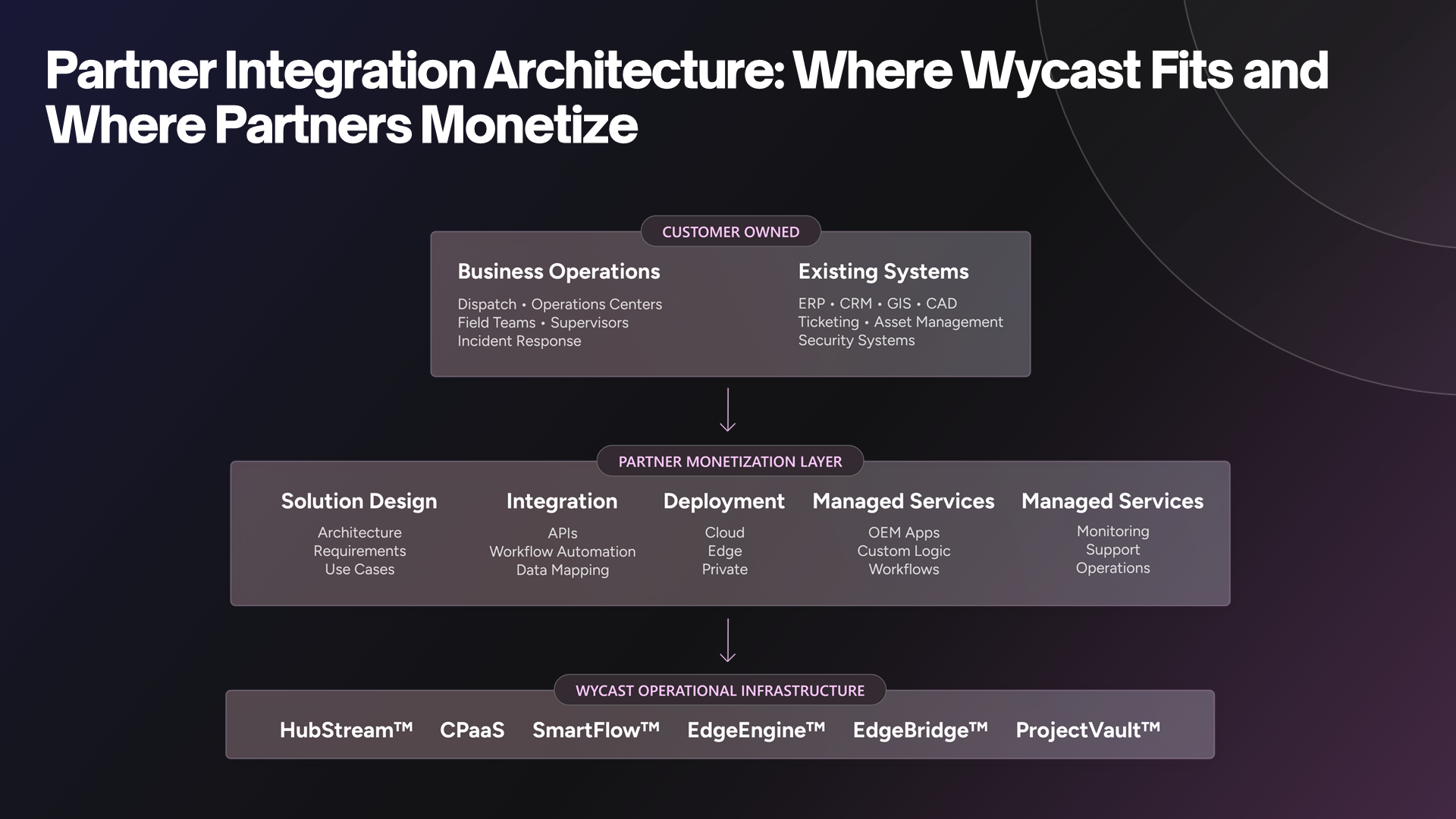
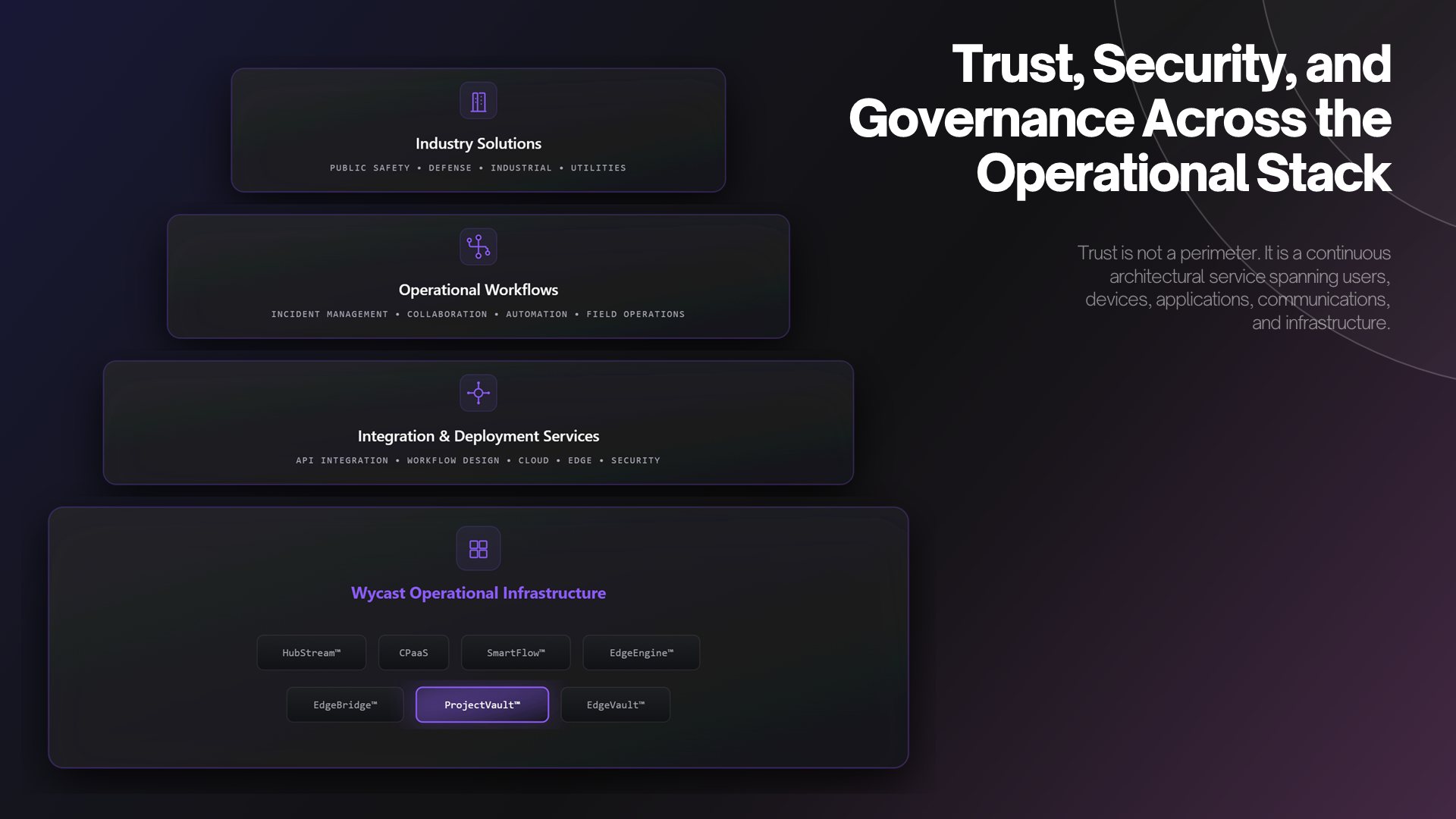
Five stages, one stack. It is the same pipeline whether we run it for you or you license the engine and run it yourself — only the operator changes.
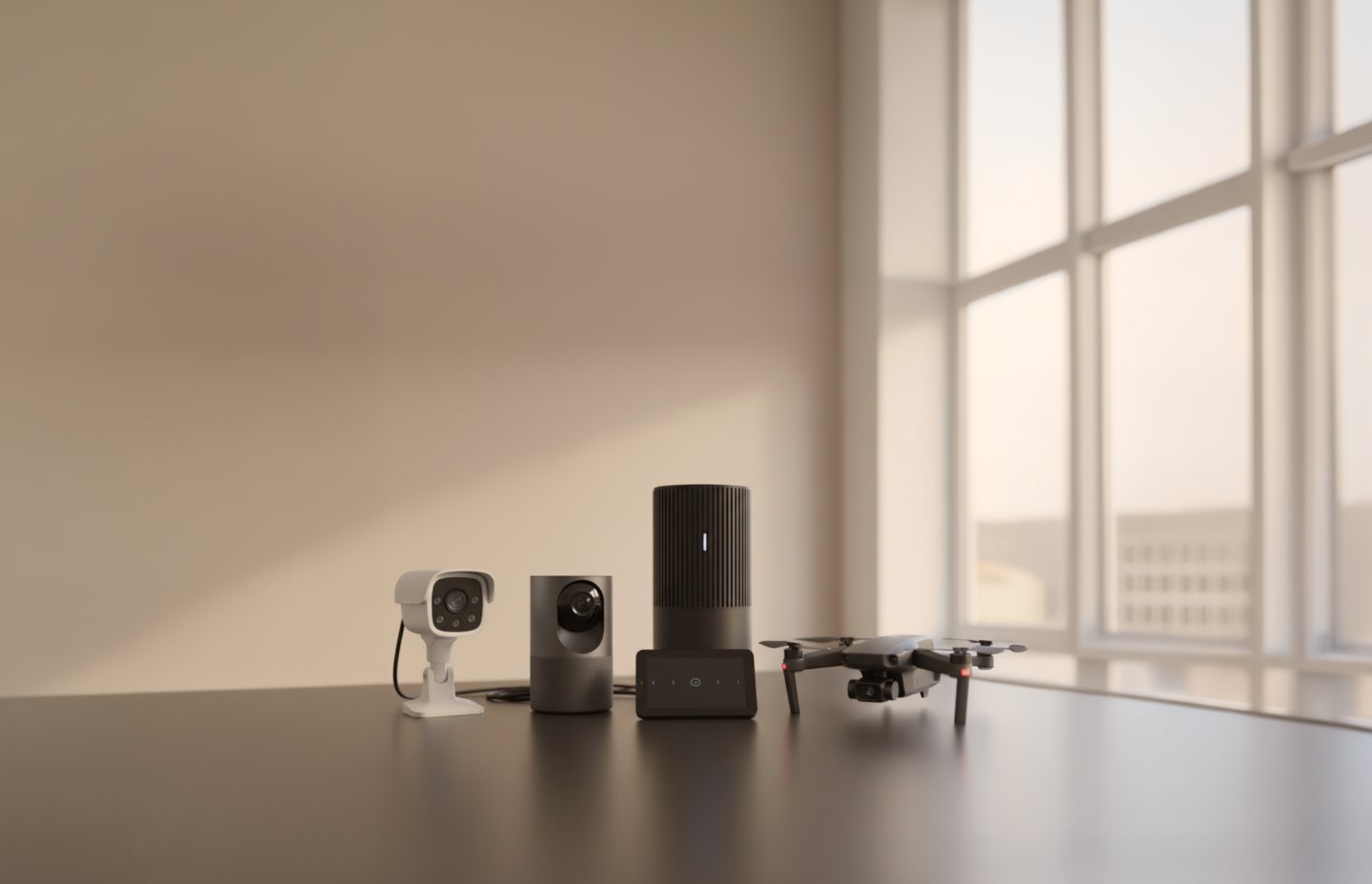
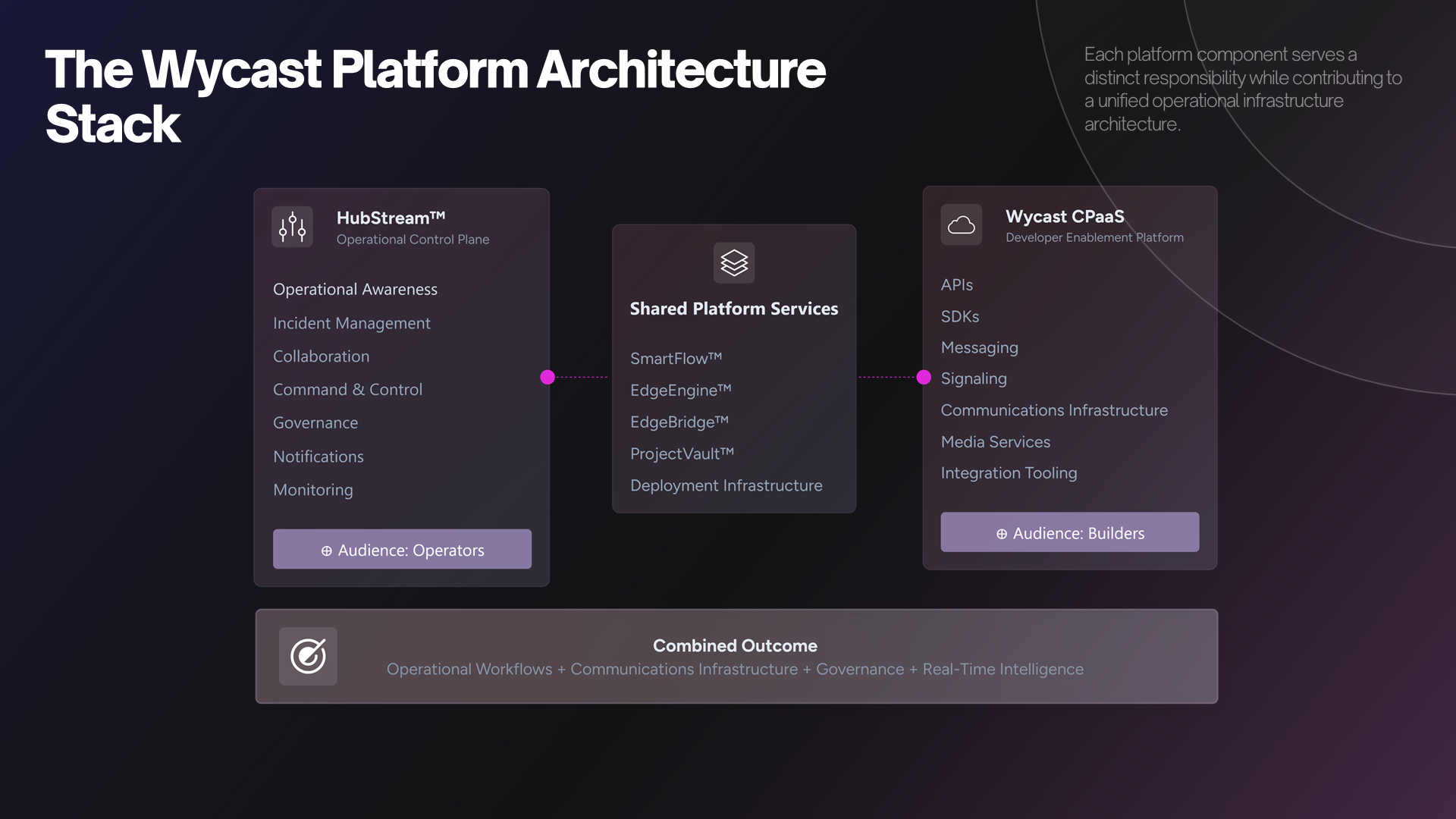
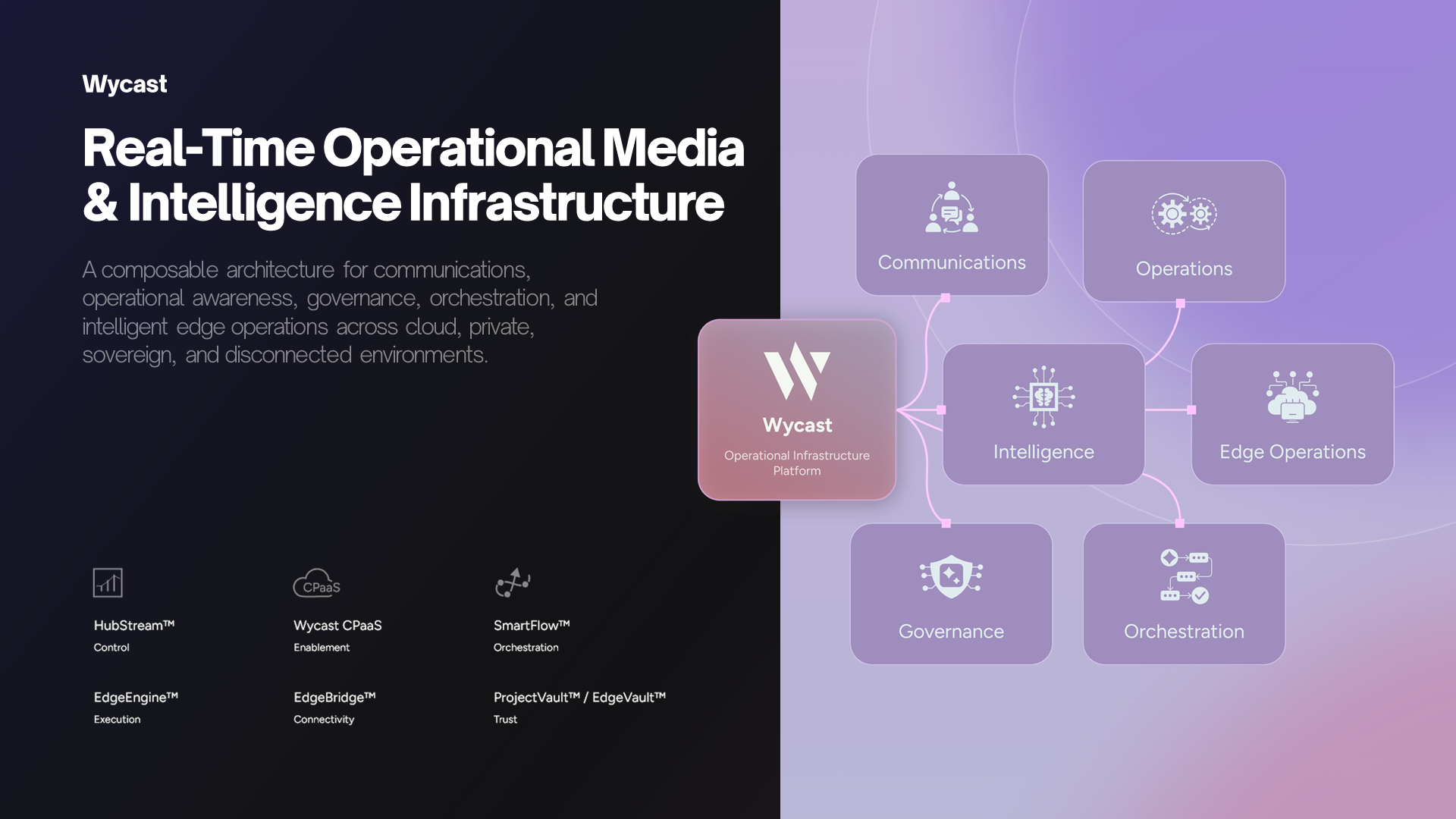
EdgeEngine

The runtime on your camera or gateway

Control + media + metadata

One operational path off the device

HubStream

Cloud or self-hosted operational layer

Viewers and apps

Any browser, or embedded in your product

Control — instructions, state and your own messages

Media — the video itself, direct wherever the network allows

Transport — WebRTC carries the media, one path inside the model
1

Enroll

A device becomes something the platform knows.

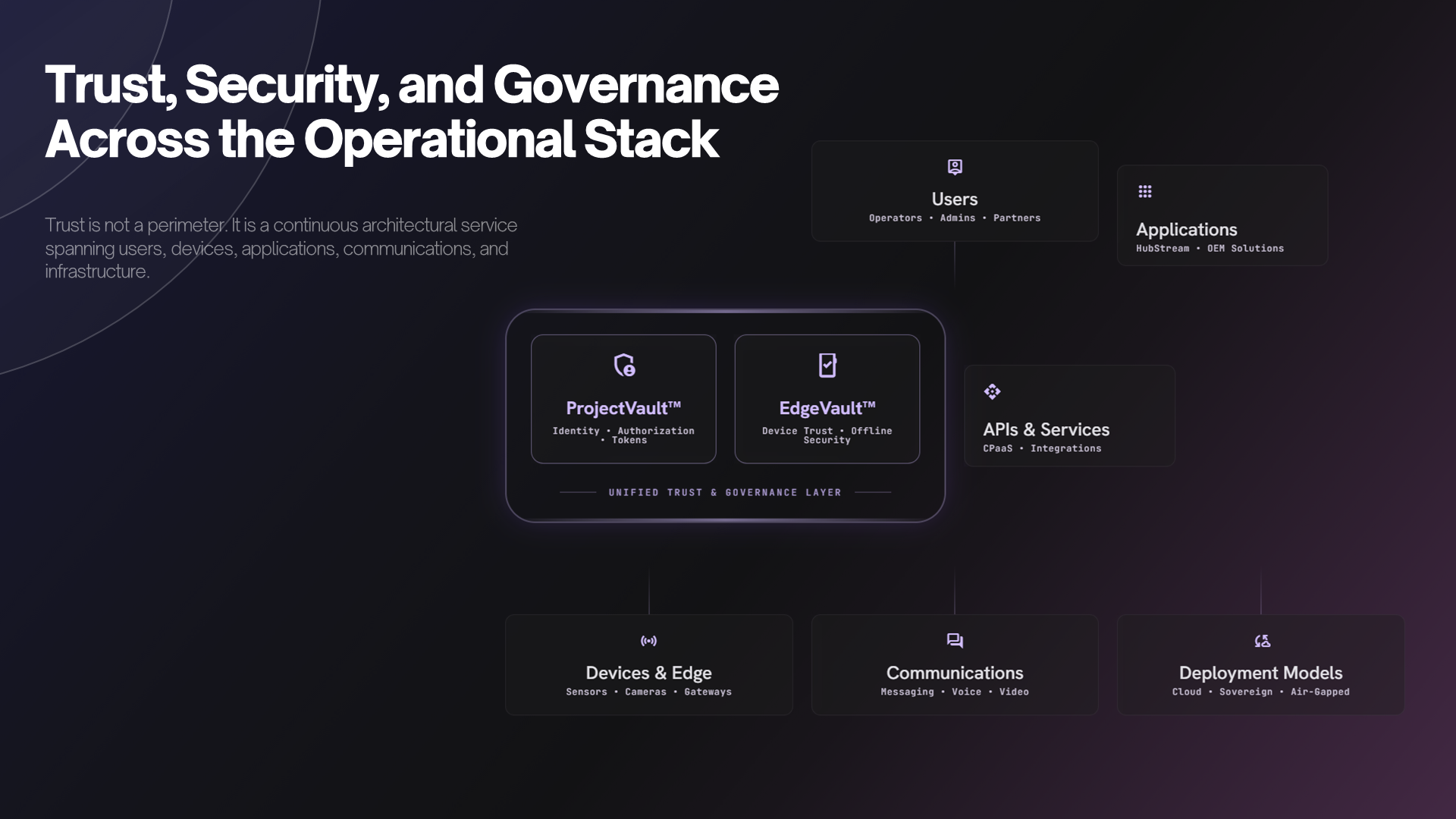
· Each unit gets its own identity and its own key — never one shared credential across a fleet

· A config bundle is issued per device; on a manufacturing line, it can be applied at build so a unit enrolls on first power-on

· The device side is a published contract, so your own firmware can implement it rather than run our agent

2

Control

One channel for instructions, state and your own commands.

· Devices hold a lightweight control connection separate from the video path

· Assignments are desired state, not commands: a device that was offline picks up the change when it returns, and applying it twice does nothing twice

· The same channel carries your own messages, so you do not need a second one for whatever the product does besides stream

3

Stream

Sub-second video, peer-to-peer where the network allows it.

· WebRTC end to end — interactive latency, not a buffered stream with a ten-second delay

· Direct between device and viewer by default; for networks that refuse to let two peers talk, you connect your own relay

· Two-way audio where the hardware supports it, on the same connection

4

Watch

A link, in a browser, with nothing installed.

· Viewers open a URL on desktop or mobile — no plugin, no app, no client build per platform

· Watch in the console we provide, or embed the stream in the product you already ship

· Access is decided per channel and per viewer, so a link is not a permanent key to a camera

5

Measure

What happened, at the quality it happened.

· Per-session quality data — frame rate, latency, freezes — kept against the session it belongs to

· Flat plans priced on scale — devices and viewers — not on video minutes or gigabytes

· Every failure path counts down rather than up, so a bill is never larger than the truth

Two things worth knowing

Access is decided at connect, not chased afterwards

Deactivate a device, rotate a key or end a plan, and the change takes effect the next time that device connects — which is immediately, and then on every reconnection forever. Systems that instead hunt down live sessions are racing a device that reconnects seconds later.

A camera keeps one channel for life

A device is named once, at enrollment, and that name is where it publishes forever — there is no binding to move, and so no state that can be stale, contested, or displayed wrong. Replacement hardware re-keys the same record and inherits the history. Watching several cameras at once is several channels side by side, not a shared room they have to be moved into.

Who runs it

We run it

Everything above is hosted infrastructure you enroll devices into. You operate the fleet; nobody on your team operates the platform.

You run it

The same engine, licensed to run on your hardware and your network — including sites that never route outbound at all.

Start with one device.

The free tier is enough to enroll hardware and watch it in a browser — which is the only way to find out whether any of this survives contact with your network.

Create an account

© Wycast

How it worksBlogServicesTermsPrivacyContactSign in